
What Is a Tulsa County Court Docket
A court docket is the official index of everything that happens in a case. Each line records a date and an event, such as a motion filed, an order signed, or a hearing set. Read top to bottom, the docket becomes a timeline from the first filing to the final disposition. In Tulsa County, the District Court keeps a docket for every civil, criminal, family, probate, and traffic case it opens.
A docket is not the full case file. The docket lists that a motion was filed, while the file holds the motion itself, its exhibits, and the judge's written order. Think of the docket as the table of contents and the case file as the pages behind it. The word docket also describes a daily calendar, meaning the list of cases a judge will hear on a given day.
Both meanings matter to a record searcher. The case docket tracks one matter over time. The daily docket shows which cases are scheduled in a courtroom on a date.
How to Find Tulsa County Dockets Online
The Oklahoma State Courts Network, or OSCN, is the official online source for Tulsa County District Court dockets. The same system that returns a single case also produces daily docket reports. From the OSCN Court Records landing page, a searcher can pull dockets by judge, by case type, by event, and by daily filings in a chosen county.
For a single case, the docket opens once the case number or party name is matched. Follow these steps to reach it.
- Open the OSCN docket search from the Court Records landing page.
- Select Tulsa County District Court so results stay local.
- Enter the case number, or type a last name with an optional first name.
- Open the matching case and scroll to the dated docket entries to read the case timeline.
The daily docket reports are useful for a different reason. They let a person see what a specific judge is hearing on a date, or which cases of a given type are set. That helps attorneys, parties, and the public plan a courthouse visit.
Sample Tulsa County Docket Entry
Each docket line follows the same shape. A date sits at the left, then a short description of the event, and often a code or the party that filed it. Some lines link to a document image. The table breaks a typical Tulsa County docket entry into its parts.
| Field | What It Shows |
|---|---|
| Entry Date | The day the filing or order was entered on the case. |
| Event Type | The action recorded, such as a motion, order, plea, or hearing setting. |
| Minute Entry | The clerk's short summary of what happened at a hearing. |
| Party Filing | Which side, attorney, or the court entered the item. |
| Scheduled Event | A future hearing date and the courtroom or judge assigned. |
| Document Link | A link to the filed image when one is available online. |
Not every line carries each field. Older cases may show events without document links, and some entries hold only a brief minute note. The pattern still holds across case types, so once the layout is familiar, any Tulsa County docket reads the same way.
Courts That Publish Tulsa County Dockets
Not every court posts its calendar in the same place. The District Court is the main publisher of Tulsa County dockets, and its cases flow onto OSCN within the statewide system. The appellate courts post there as well, which matters when a Tulsa County case is on appeal. City and federal courts sit outside that system entirely, so a searcher has to know where each calendar lives.
These are the courts that hold dockets touching Tulsa County matters.
- Tulsa County District Court posts civil, criminal, family, probate, and traffic dockets on OSCN.
- The Oklahoma Supreme Court, Court of Criminal Appeals, and Court of Civil Appeals post appellate dockets on the same statewide system.
- Tulsa Municipal Court keeps city ordinance, parking, and municipal traffic dockets on its own calendar, not on OSCN.
- The federal Northern District of Oklahoma tracks federal cases in its own electronic docket system.
The split is the reason a single person can have records in more than one place. A state criminal case shows on OSCN, while a city parking matter sits only with the municipal court.
Judge and Courtroom Assignments in Tulsa County
Knowing the assigned judge helps locate a daily docket and the right courtroom. The Tulsa County District Court publishes a phone directory that pairs each judge with a docket, a courtroom number, and a direct line. The list below reflects the current directory.
| Judge | Docket | Courtroom | Phone |
|---|---|---|---|
| David Guten, Presiding Judge | Criminal B | 413 | 918-596-8606 |
| Doug Drummond | Criminal E | 408 | 918-596-5044 |
| Sharon Holmes | Criminal D | 506 | 918-596-5200 |
| Michelle B. Keely | Criminal F | 401 | 918-596-5360 |
| Dawn Moody | Criminal C | 406 | 918-596-8443 |
| Kevin Gray | Civil B | 501 | 918-596-5300 |
| Rebecca Brett Nightingale | Civil A | 708 | 918-596-5350 |
| William D. LaFortune | Civil C | 513 | 918-596-5415 |
| Kurt G. Glassco | Probate | 701 | 918-596-5320 |
Note: The court phone directory effective April 6, 2026 lists current judge, docket, and courtroom assignments, so confirm a courtroom against the latest directory before a visit.
Reading Tulsa County Docket Events
Docket lines lean on short terms that carry a lot of meaning. A minute entry summarizes what a judge did at a hearing in a sentence or two. A continuance moves a hearing to a later date, which is why a single case can show several reset dates before it resolves. Disposition lines mark the outcome of the case or one charge.
These terms appear again and again on Tulsa County dockets.
- Minute Entry
- The clerk's brief record of what happened in court on a given day.
- Continuance
- A reset that pushes a hearing or deadline to a later date.
- Disposition
- The final result of a case or a single charge within it.
- Order
- A judge's signed directive or ruling on a request.
- Bench Warrant
- A warrant a judge issues, often after a party fails to appear.
Reading these in order tells the story. A string of continuances followed by a disposition shows a case that took time before closing. A bench warrant entry signals a missed appearance that the court still expects to resolve.
Tulsa County Docket vs Full Case Record
The docket and the full case record serve different needs. The docket is fast, free, and built for tracking. The full file holds the actual documents and is the source a court relies on. The comparison below shows where each one fits.
| Docket | Full Case Record | |
|---|---|---|
| Format | Dated list of events | Filed documents, orders, and exhibits |
| Access | Usually online and free on OSCN | May need a courthouse visit or copy fee |
| Use | Track case progress and hearing dates | Legal review, evidence, certified copies |
For most questions, the docket answers the need. When a certified copy or a full document is required, the file behind the docket is requested from the Court Clerk. The broader options for pulling those files are covered on the Tulsa County court records page.
Municipal Court Add-On Dockets in Tulsa
City cases do not appear on OSCN, and Tulsa Municipal Court runs its own add-on docket system. A person with an outstanding municipal warrant can go to the Municipal Courthouse on weekdays between 8 and 9 a.m., report to Court Records in Room 228, and ask to be added to that day's docket. Add-ons are then heard after the scheduled dockets at 8:30, 9:30, and 10:30 a.m.
A timing rule shapes who gets a same-day slot. Starting June 17, 2024, a citation with a warrant issue date less than 60 days old is a same-day add-on. A warrant issued more than 60 days earlier requires calling the municipal court records line first. Jury weeks and holidays are exceptions, since the add-on window may not run on those days.
Jurors face their own schedule and reporting rules at the courthouse, which the District Court explains in detail.
Those instructions live on the Tulsa County District Court juror page, shown below.
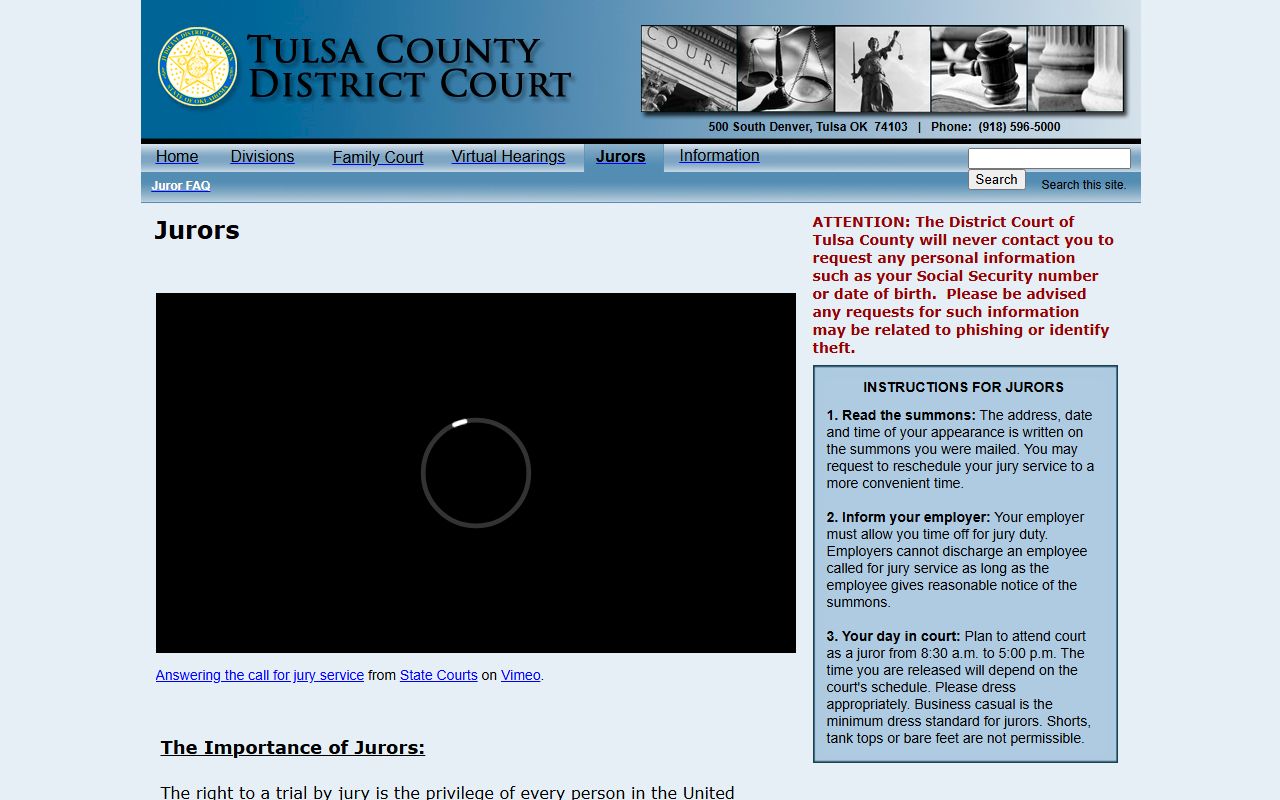
The juror page notes report times, parking, and the warning that the court never asks a juror for a Social Security number by phone. Jury weeks also matter for dockets, because trial settings can shift the regular calendar.
Note: A docket date can move with little notice, so verify a hearing or add-on time with the court before traveling, especially during a posted jury week.
Local Rules Behind Tulsa County Dockets
Docket practice in Tulsa County is governed by local court rules. These rules set how cases are assigned, how hearings are scheduled, and how the bond schedule works. The District Court keeps separate rule sets for general, civil, criminal and traffic, family, juvenile, and probate matters, plus an appendix bond schedule. The criminal and traffic rules were updated on October 23, 2025.
The rules are published in full on the court's own site.
You can review them on the Tulsa County District Court local rules page pictured here.
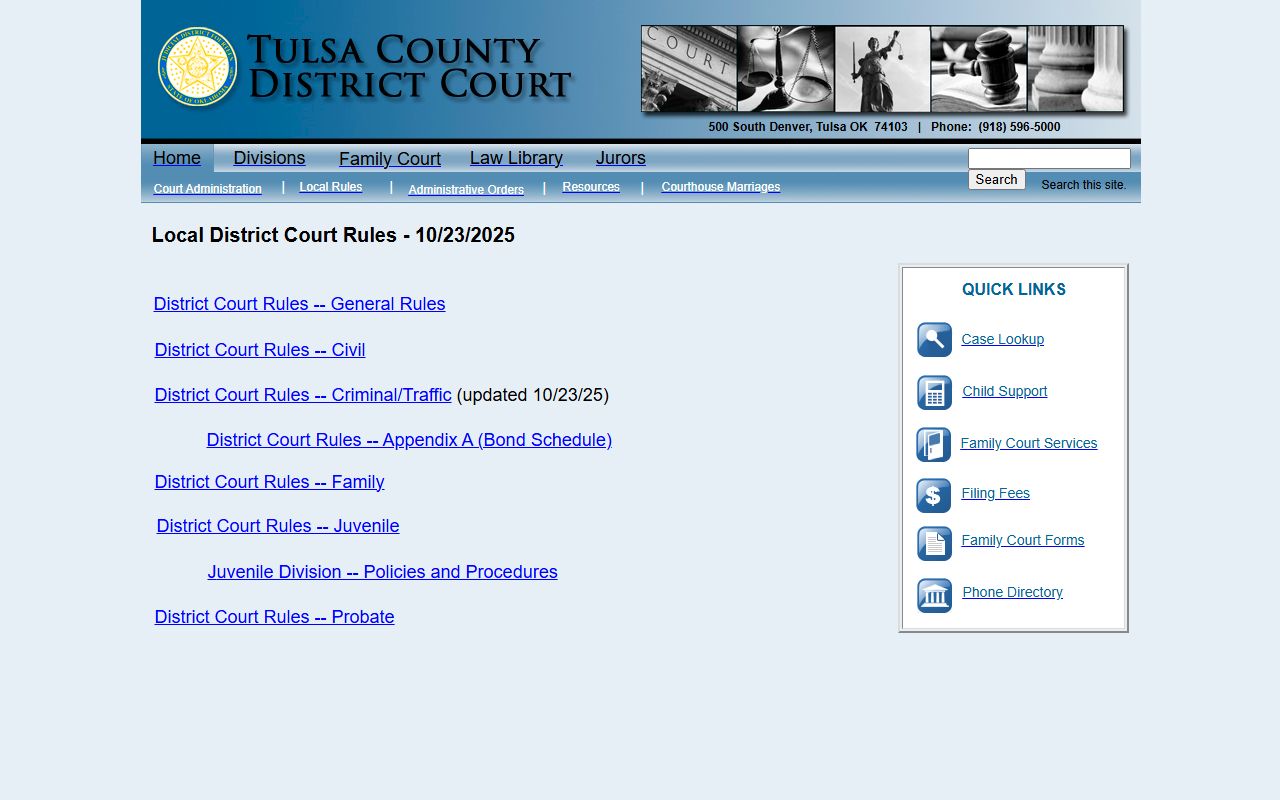
Pointing to the local rules beats memorizing every deadline, since the court updates them as practice changes. For federal cases tied to the region, dockets sit outside the state system entirely. Free federal docket and opinion research is available through CourtListener, a nonprofit archive.
That archive helps when a matter is in federal court rather than the Tulsa County District Court.
Federal trial cases for the area route through the Northern District of Oklahoma and its own electronic system, which is separate from OSCN and the municipal calendar.